What it's for
Getting paid for the work, without retyping the job into another program or chasing anyone by hand.
How it works
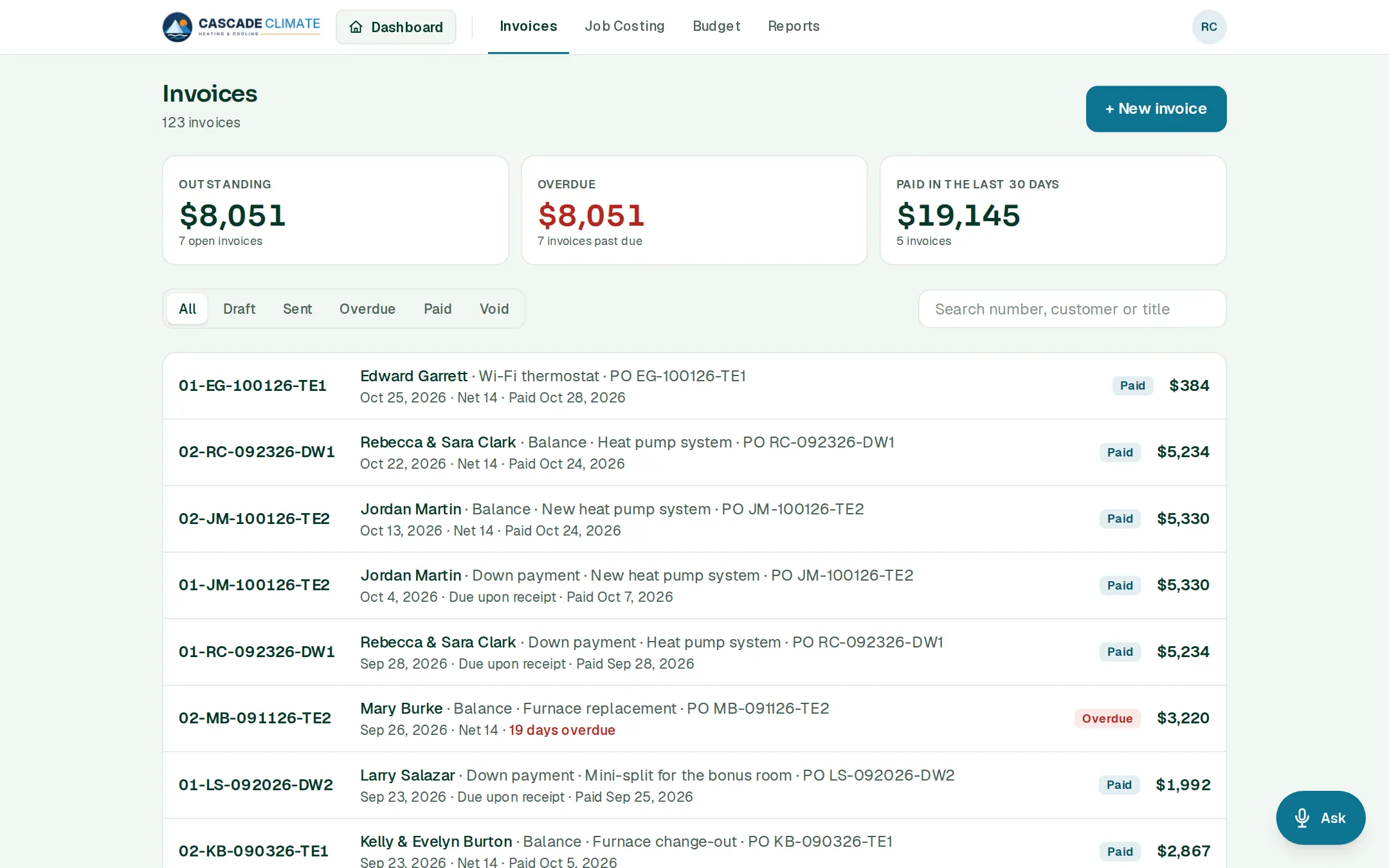
- + New invoice: pick a job under Ready to bill to invoice all of it or a share of it, or start a one-off invoice for any customer.
- Send to customer by email or text, with a link to view it. Print / Save as PDF makes a copy.
- When money comes in, Collect payment (part payments are fine) or Mark as paid.
- The list shows what's outstanding, what's overdue and what came in over the last 30 days, filtered by draft, sent, overdue, paid and void.
Getting paid online
- The owner connects the company's own Stripe account once. Every invoice link then has Pay online, by card or bank transfer, and the payment records itself on the invoice.
- The money goes to your bank, Stripe's fees come out of each payment, and BrycoOps takes nothing.
Reminders and statements
- Payment reminders go out by themselves until the invoice is paid. Or tap Text a reminder and your phone opens with the words filled in.
- A customer's Statement shows every open invoice and what's owed, with Pay online on each.
What it connects to
- Estimates: the deposit and the final bill come from the signed proposal.
- Jobs: what's ready to bill, job by job.
- Budget and Reports: what you invoiced and collected.
Good to know
- Invoice numbers, due dates, the ways to pay and the words at the bottom are under Settings → Estimates & invoices.
- Ask can do it: "Send invoice 1042," or "Record a $500 check from Pat Lee for invoice 1042."
- Once QuickBooks Online is connected, sent invoices and recorded payments go there by themselves.