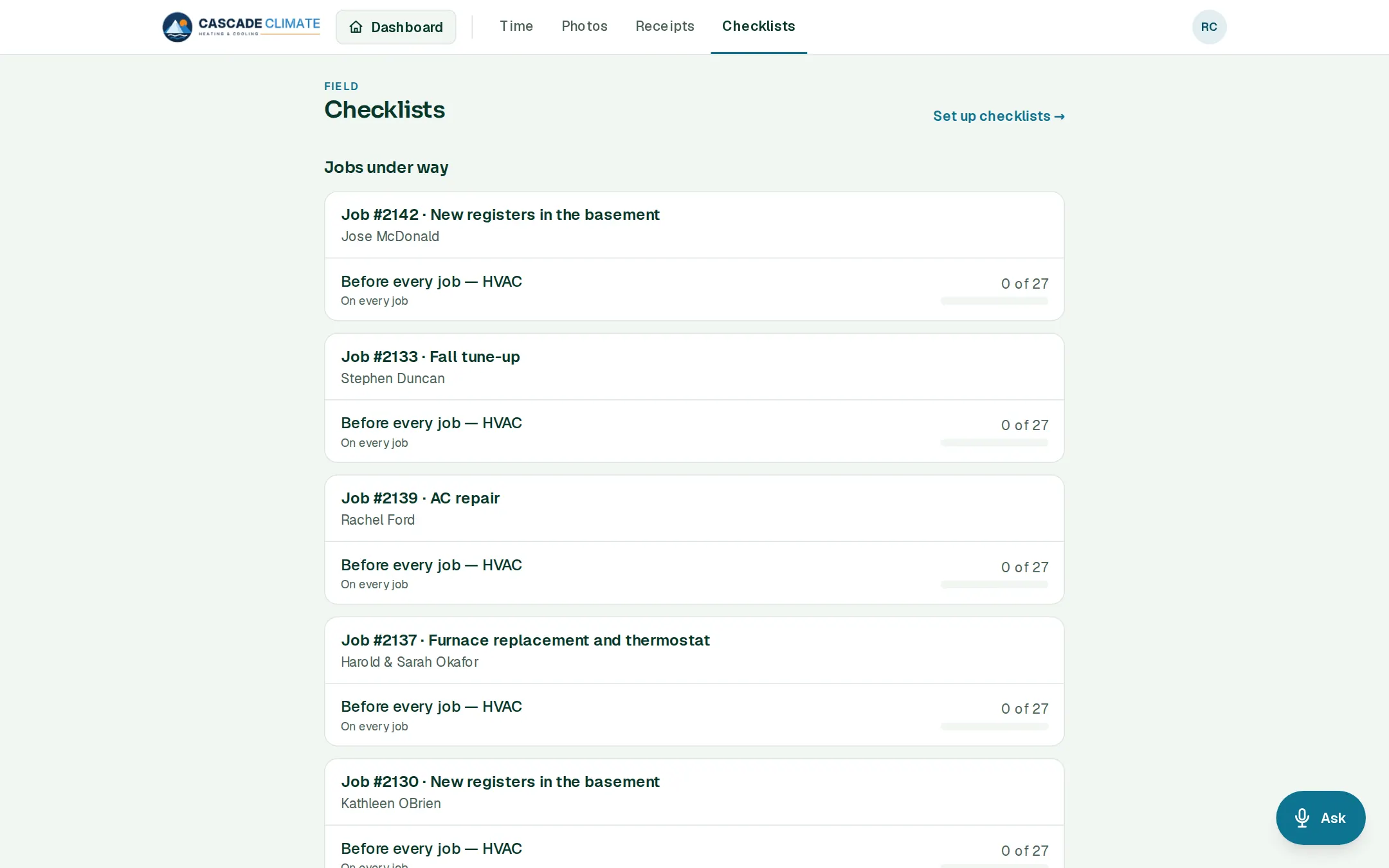
What it's for
The things that get forgotten when everybody's busy: the vacuum pump that didn't make it onto the truck, the shoe covers, the last step before the customer signs off.
How it works
- The office builds checklists under Settings → Lists & templates → Checklists, in three kinds: daily (stock the van every morning), before every job, and for certain jobs.
- Every job under way gets its checklists by itself, and the crew tick items off on site.
- Who checked each item, and when, is kept.
- What's still open shows on the dashboard.
Getting started
- Every starter book comes with a before-every-job checklist for its trade. The HVAC one covers safety and PPE, tools and meters, refrigerant and parts, and the paperwork for the customer.
What it connects to
- Jobs: each job's page shows its checklists.
Good to know
- Checklists work with no signal and send themselves when the phone is back online.