BrycoOps for HVAC companies
The CRM for HVAC companies.
Quote the changeout with three options in the attic, book the install from the truck, and see the margin on every system you put in.
Installs, service, maintenance plans, light commercial. 1 to 20 techs.
- Sales sell your work
- Jobs set up your jobs
- Field get them done
- Money bill your work
Sound familiar?
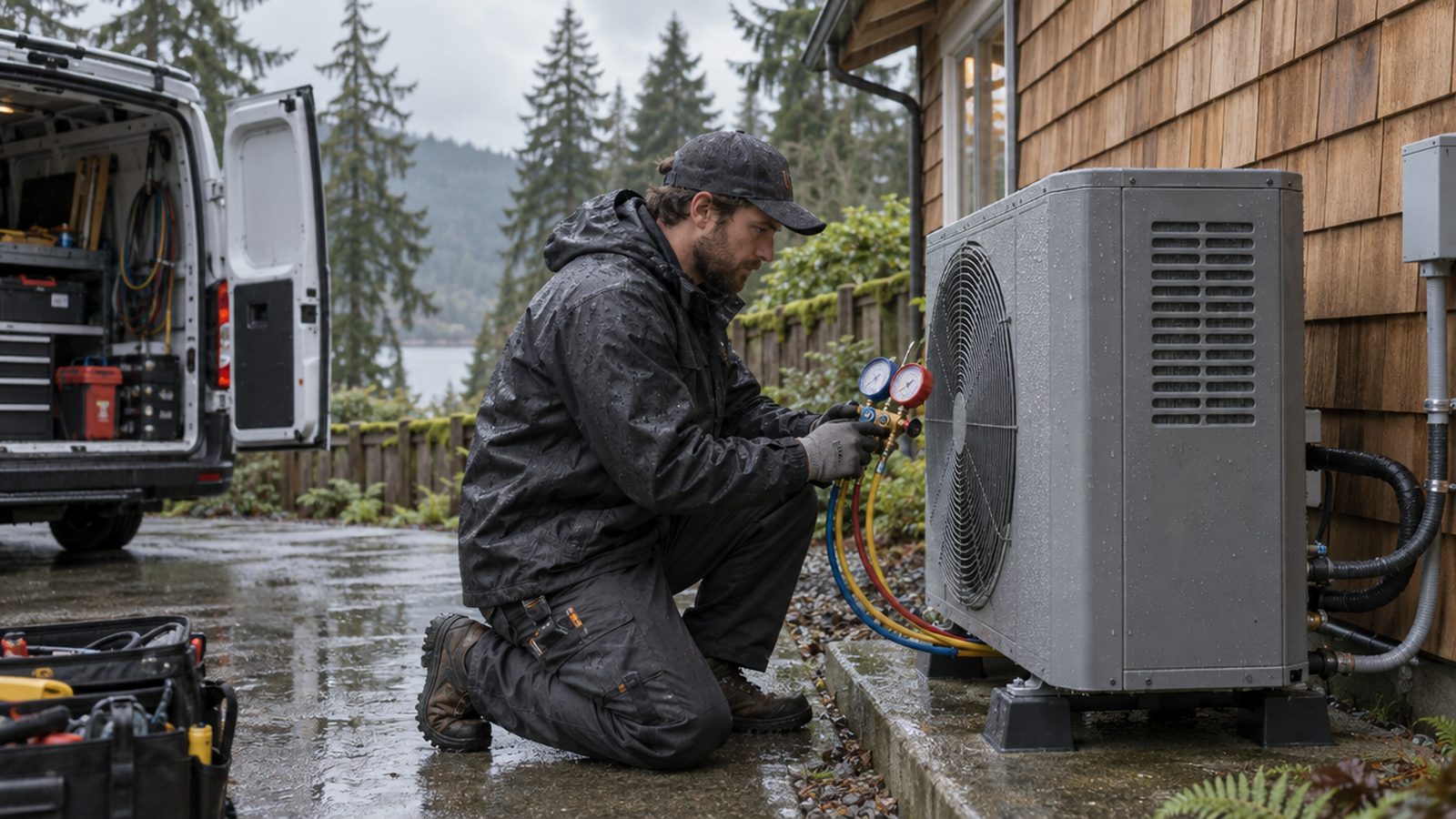
You've got a changeout at 8, two no-cools stacked behind it, and the office is you, from the truck, between calls. Static pressure in your head, three estimates on a notepad, and the rebate paperwork in the door pocket.
- Quoting repair-vs-replace at the kitchen table from memory, so the number moves
- The maintenance list lives in a spreadsheet nobody opens
- Rebate and permit paperwork rides around in the truck
- You find out what the install really cost after the invoice is paid
None of that is the trade. It's the paperwork around the trade, and it's what the board does while you drive.
From the software
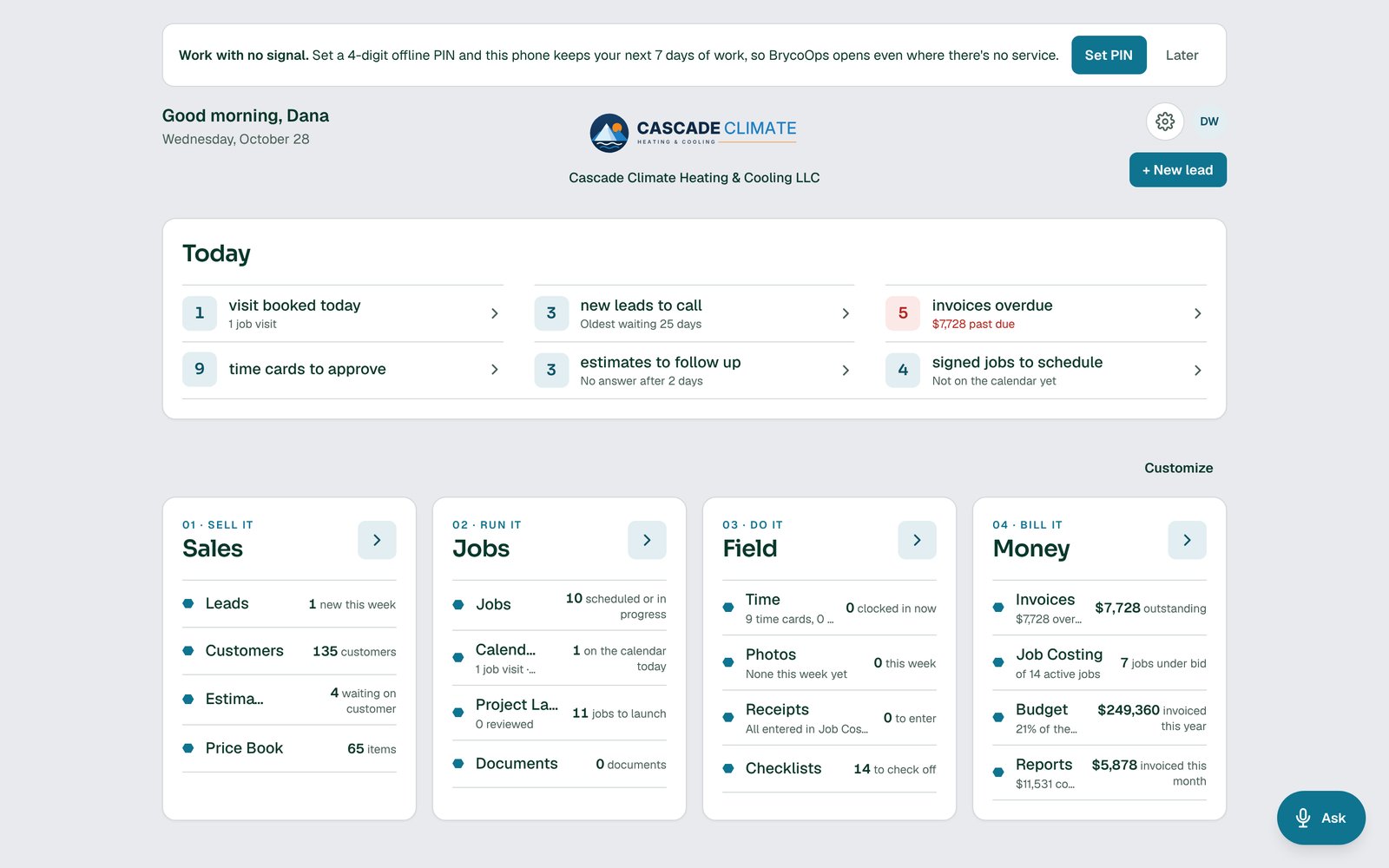
Cascade Climate Heating & Cooling, an HVAC shop that runs on BrycoOps.
Real screens from a demo company set up the way yours would be: their price book, their crew, their jobs.
A day on the board
One HVAC day, module by module.
Every stop below is one of the four tiles doing its job. Nothing here needs the office.
- 6:45 AMShopJobs
Two installs, four service calls, one maintenance route.
The board shows every job from Won to Paid. The calendar, synced with Google or Microsoft, shows who's where. The 11 AM furnace install has its equipment staged.
- 8:15 AMAtticSales
Repair the board, or replace the system. Three options, one tap.
A 14-year-old furnace with a failed control board. The estimate offers the repair, a replacement furnace, or furnace plus AC, each priced from the price book with the rebate line already in it.
- 8:40 AMDrivewayJobs
They chose the system. Project Launch starts the install.
Permit, crane or no crane, electrical sub, disposal of the old unit, install date, down payment. Each one is a question the job asks before anyone orders equipment.
- 11:30 AMInstall siteField
Startup checklist, with the photos to prove it.
Static pressure, charge, drain, thermostat programmed. The crew works the checklist on their phones and the photos of the data plate and the final install attach to the job.
- 2:00 PMMaintenance routeField
Clock in, clock out, next stop.
Each maintenance visit is its own job with its own time. The route runs off the calendar, and the filter sizes are in the customer record for next spring.
- 4:20 PMTruckMoney
The install invoice goes out with the rebate paperwork attached.
Bill the balance. The documents the job collected, permit, rebate form, warranty registration, are on the invoice for the customer.
- 6:00 PMOfficeMoney
Which systems made money this month.
Job costing per install: equipment, labor hours, the electrical sub, the crane. Reports roll it up so you know which brands and which crews are winning.
Next tile
Need a tile that isn't on the board yet?
BrycoOps is built one module at a time. Vote on what's next, or tell us what your shop needs.
Questions HVAC companies ask
Can BrycoOps handle maintenance agreements?
Recurring maintenance visits run as jobs on the calendar, and the customer record keeps equipment details like filter sizes and install dates. A dedicated maintenance-plan module is on the Next Tile board.
Does it support good/better/best HVAC estimates?
Yes. Three-option estimates are built in. Each option comes from your price book and your prebuilt jobs, so a furnace swap and a full system swap are a tap apart.
Can I attach permits and rebate forms to a job?
Yes. The Documents area on each job holds anything the job needs, including documents from customers, and they can go out with the invoice.
Does it work with QuickBooks?
Yes. BrycoOps syncs with QuickBooks so invoices and payments land in your books without retyping.
Other trades: General contractors · Plumbing · Electrical · every home-service business. The same four modules run every trade; the pages differ in the day, not the software.
Stop juggling. Start running the shop.
Every plan starts with a 30-day free trial, with every feature on. Stripe takes your card up front and charges it when the trial ends, unless you cancel first.