BrycoOps for general contractors
The CRM for general contractors.
Price the bathroom remodel from a prebuilt job, keep the subs, the selections and the change orders on one board, and bill the draws on time.
Remodels, additions, decks, basements, light commercial. 1 to 20 on the crew, plus your subs.
- Sales sell your work
- Jobs set up your jobs
- Field get them done
- Money bill your work
Sound familiar?
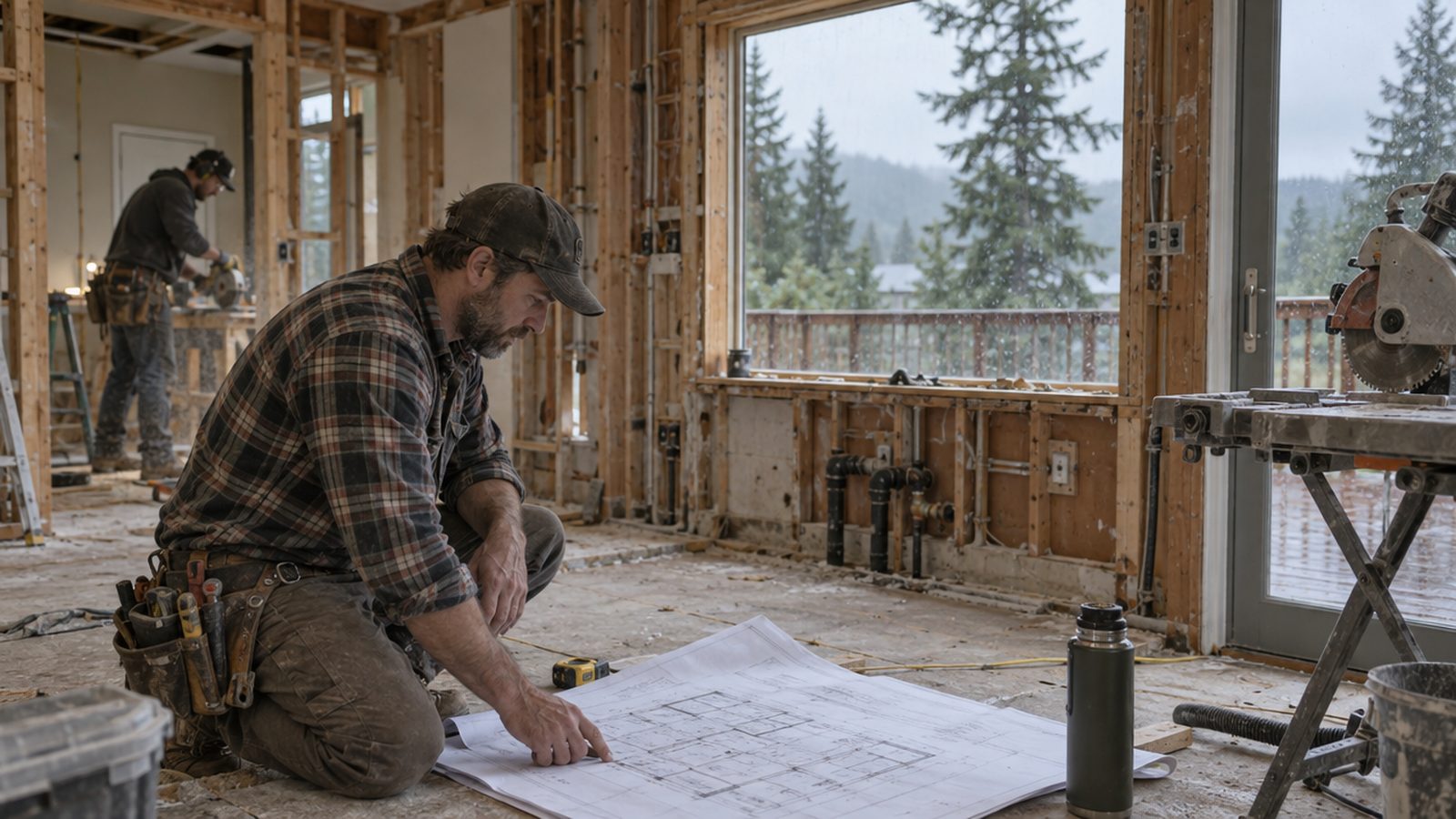
A kitchen in demo, a bathroom at tile, a deck waiting on the inspector, and a homeowner who wants the wall out now. Three subs, two draws due, and the selections sheet is a text thread with eleven photos in it.
- Change orders priced on the spot and never written down
- Sub schedules in a group text
- Draw invoices sent late because the inspection card is in the truck
- The job's budget is a feeling until the last day
None of that is the trade. It's the paperwork around the trade, and it's what the board does while you drive.
From the software
Cornerstone Contracting, a general contracting shop that runs on BrycoOps.
Real screens from a demo company set up the way yours would be: their price book, their crew, their jobs.
A day on the board
One general contractors day, module by module.
Every stop below is one of the four tiles doing its job. Nothing here needs the office.
- 6:45 AMTruckJobs
Three jobs open. The board says what each one needs today.
A kitchen in demo, a bathroom at tile, a deck waiting on inspection. The calendar, synced with Google or Microsoft, shows your crew and the plumber's day on the bathroom.
- 8:00 AMHomeowner's kitchen tableSales
Good, Better, Best, from a prebuilt bathroom remodel.
The prebuilt job already has the demo, the plumber, the electrician, tile labor, fixtures and the permit as line items. Swap the tile allowance up for Better, add the heated floor for Best. They pick on your phone and sign.
- 8:30 AMDrivewayJobs
Won. Project Launch runs the pre-construction list.
Selections due dates, permit, lead paint check on the older house, sub schedule, 30% down payment collected now. The job holds the plans and the selections sheet in Documents.
- 11:15 AMKitchen jobField
Change order: the homeowner wants the wall out. Price it before lunch.
Say it out loud: remove a non-bearing wall, patch, paint. It prices from the price book, the customer approves it on their phone, and the job's budget updates.
- 1:30 PMBathroom jobField
Tile sub's day, photos and a receipt, all on the job.
The tile sub's hours go on the job. The crew's progress photos go on the job. The receipt from the tile shop snaps onto the PO.
- 4:00 PMDeck jobMoney
Inspection passed. Bill the second draw.
Invoices by percentage: 30% at start, 40% at framing, 30% at completion. The framing draw goes out with the inspection card attached.
- 6:20 PMOfficeMoney
The kitchen is at 71% of budget with the change order in. Still on track.
Job costing per job, with subs, permits, materials and your crew's hours against the bid. The three jobs roll up in Reports so you know the month before it ends.
Next tile
Need a tile that isn't on the board yet?
BrycoOps is built one module at a time. Vote on what's next, or tell us what your shop needs.
Questions general contractors ask
Can BrycoOps track subcontractors on a job?
Yes. Subs are price-book items on the estimate, their hours and invoices land on the job, and job costing compares them to what you bid. A subcontractor portal is on the Next Tile board.
Does it handle change orders?
Yes. Price a change order from the price book, send it to the customer for approval, and the job's budget and invoices update.
Can I bill by draws or percentage?
Yes. Invoices go out in full, by percentage or as a down payment, so a 30/40/30 draw schedule is three taps.
Where do plans, permits and selections live?
In the job's Documents area, with anything the customer sends you. They go out with invoices when you want them to.
Other trades: Plumbing · HVAC · Electrical · every home-service business. The same four modules run every trade; the pages differ in the day, not the software.
Stop juggling. Start running the shop.
Every plan starts with a 30-day free trial, with every feature on. Stripe takes your card up front and charges it when the trial ends, unless you cancel first.