What it's for
The numbers an owner actually asks about, without exporting anything to a spreadsheet first.
How it works
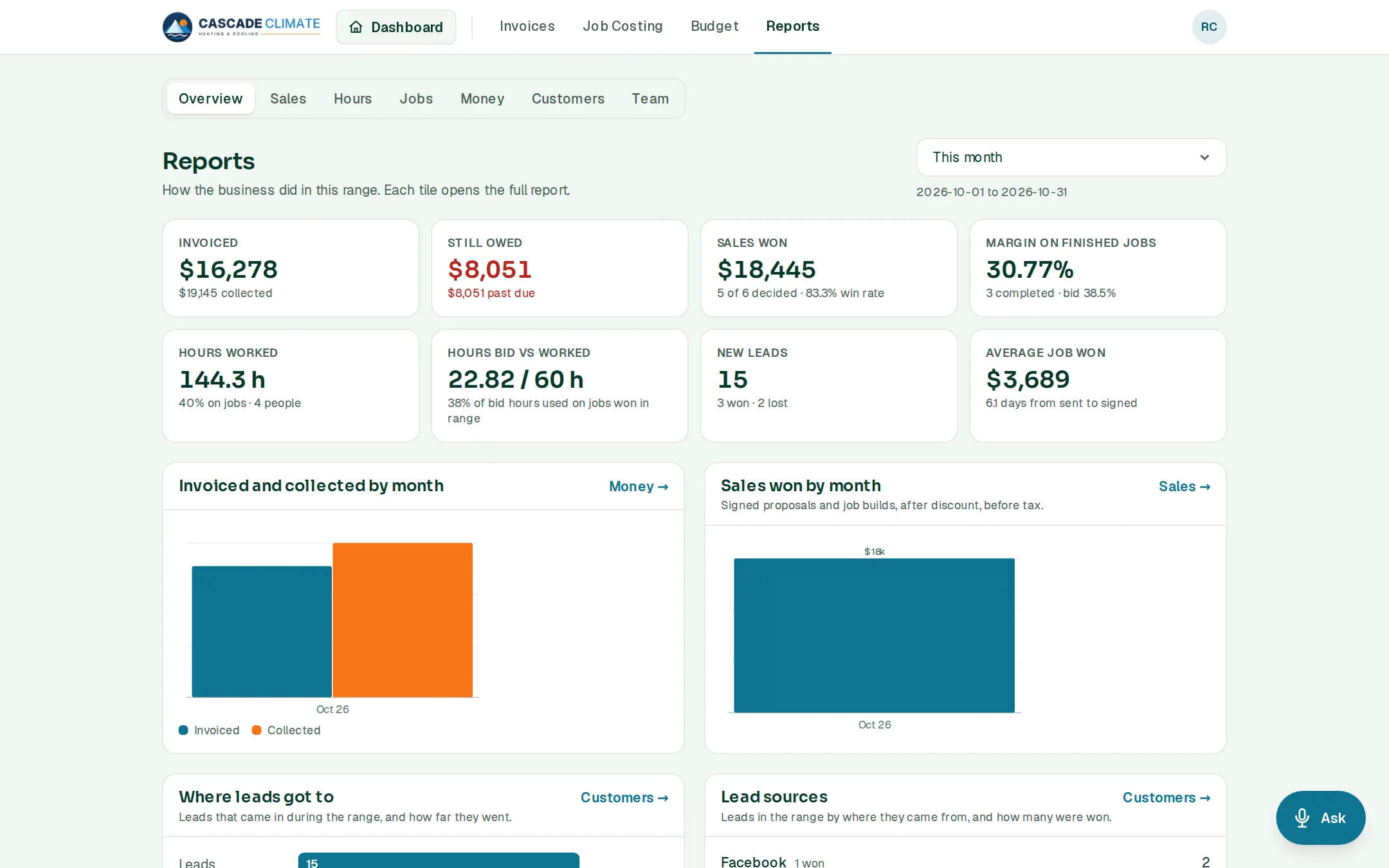
- Pick a date range. Overview shows what was invoiced, what's still owed, sales won, the margin on finished jobs, hours worked, hours bid against worked, new leads and the average job.
- Tabs for Sales, Hours, Jobs, Money, Customers and Team. Every tile opens its full report.
- Team shows who produces: hours, and the revenue and profit produced per person.
- Every page downloads as a CSV.
What it connects to
- Leads: where leads come from, and why they're lost.
- Time and Job Costing: hours and margins.
- Invoices: what was billed and collected.
Good to know
- The Team numbers are the owner's unless the owner shares them.
- Ask can answer from them too: "How's the month looking?"