Tutorial videos
BrycoOps tutorial videos.
Every part of BrycoOps in about two minutes each, recorded in a real demo company. Watch them in order the first week, or jump to the one you need.
11 videos · 20+ minutes total
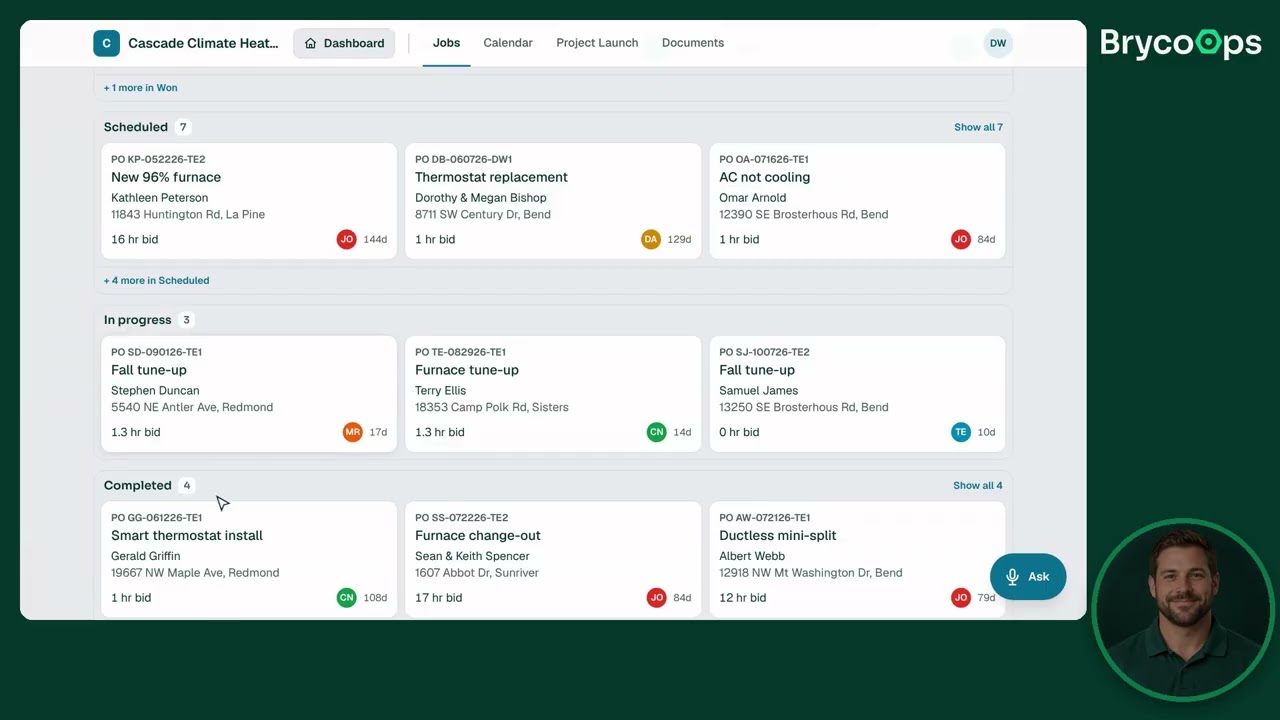 01 · 2:30Home
Getting started
The home screen, the four modules, and where everything lives.
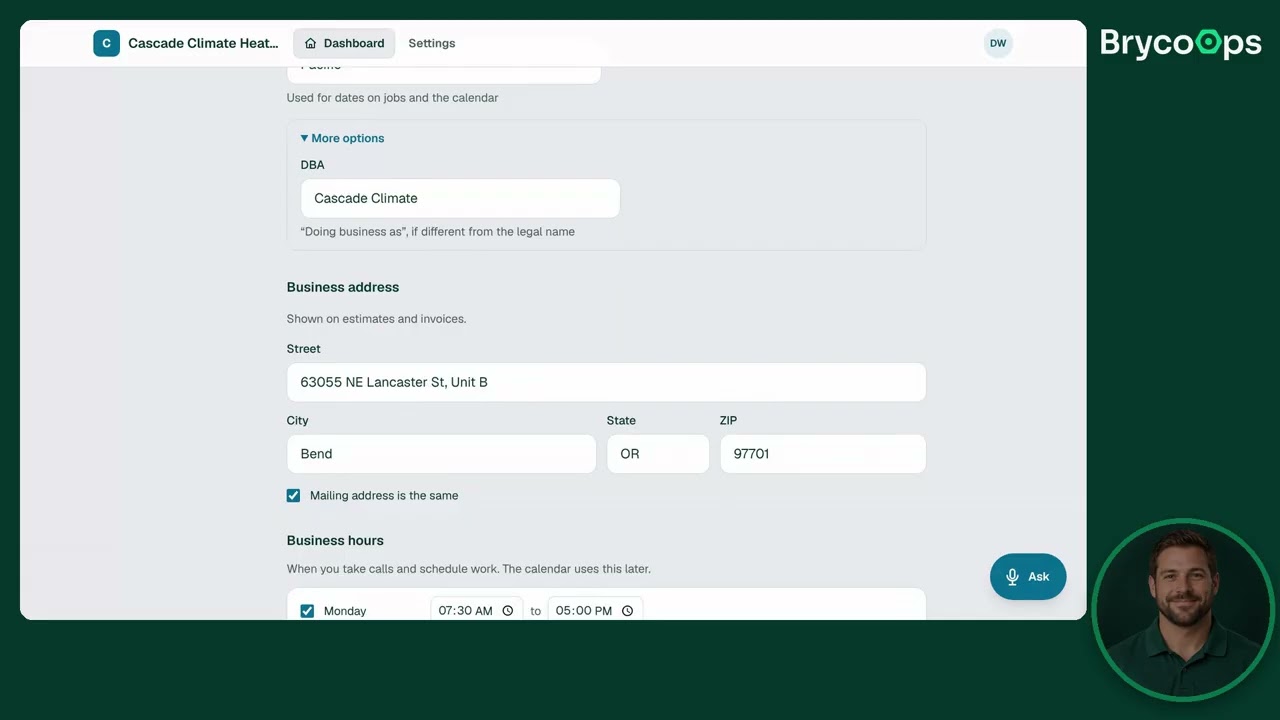 02 · 2:00Settings
Setting up your business
Company profile, brand, licenses and insurance: the setup every estimate and invoice draws from.
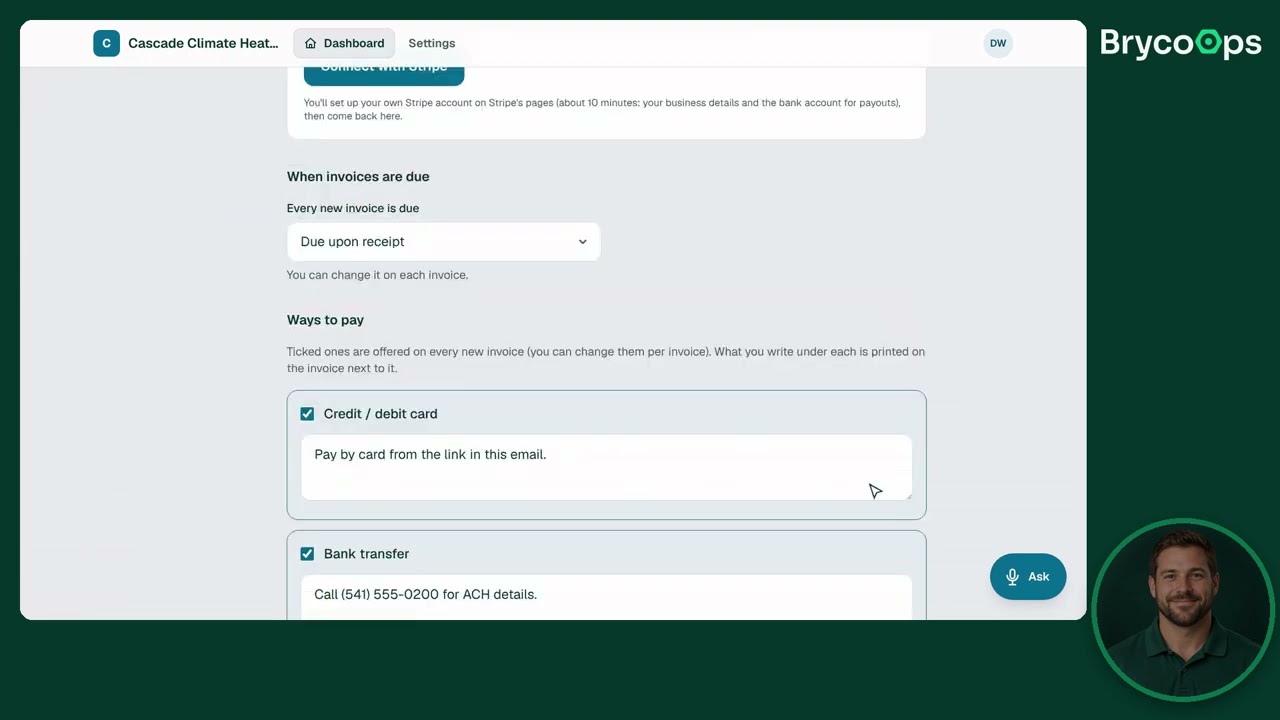 03 · 2:30Sales · Money
Estimates and invoices
Estimate and invoice settings: pricing, packages, follow-ups and numbering.
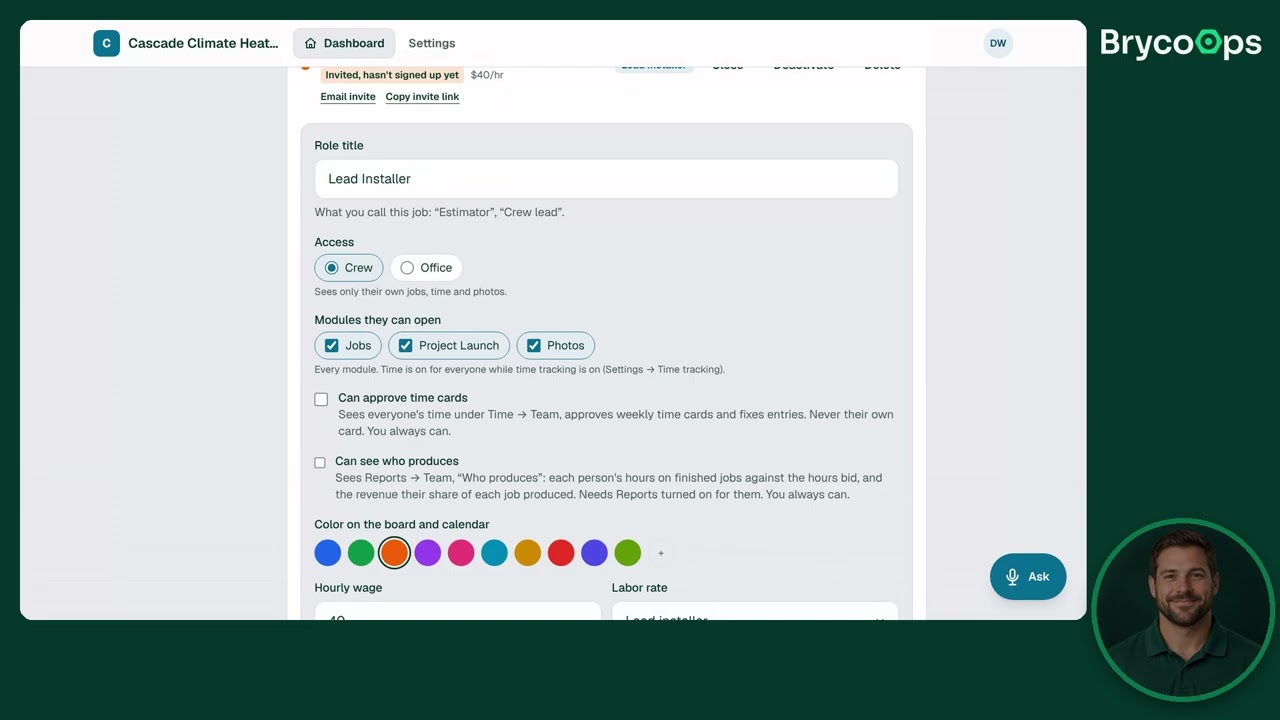 04 · 1:45Settings
Your team
Users, roles, time tracking and payroll: who sees what, and how hours get counted.
 05 · 2:00Settings
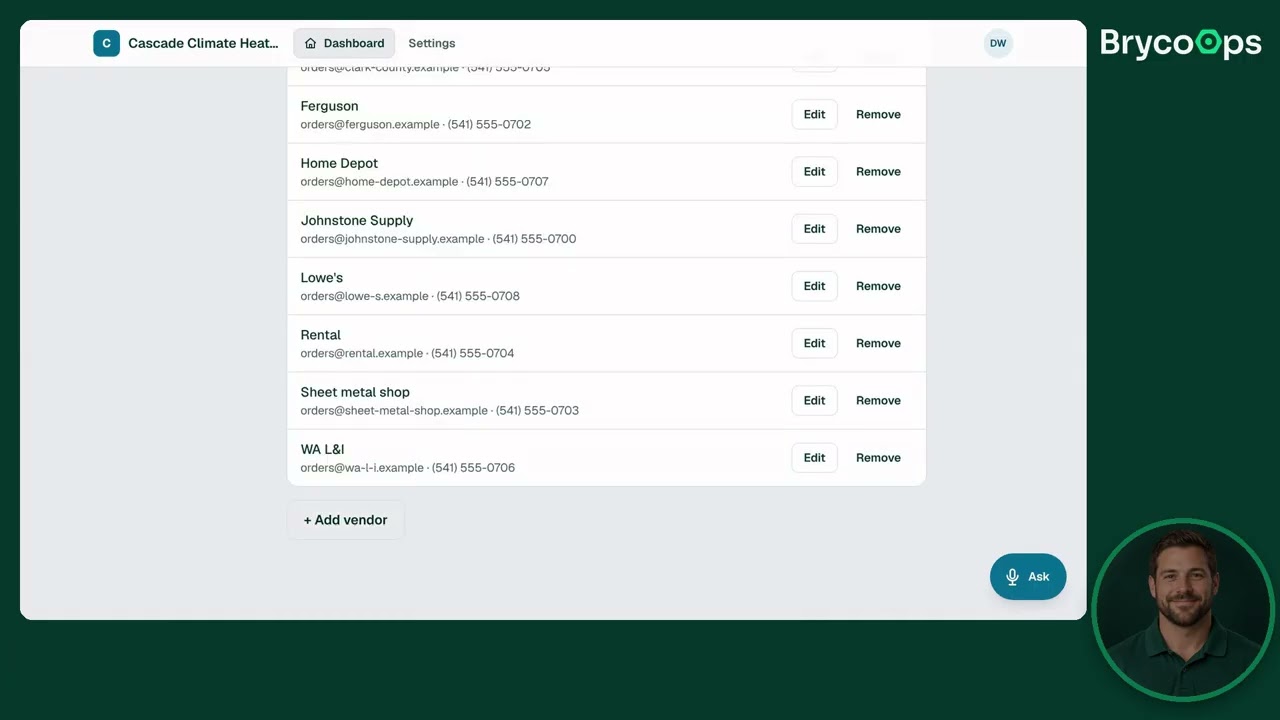
Lists and templates
Lead sources, vendors, photo tags, checklists and documents: the lists that make every job start the same way.
 06 · 1:20Settings
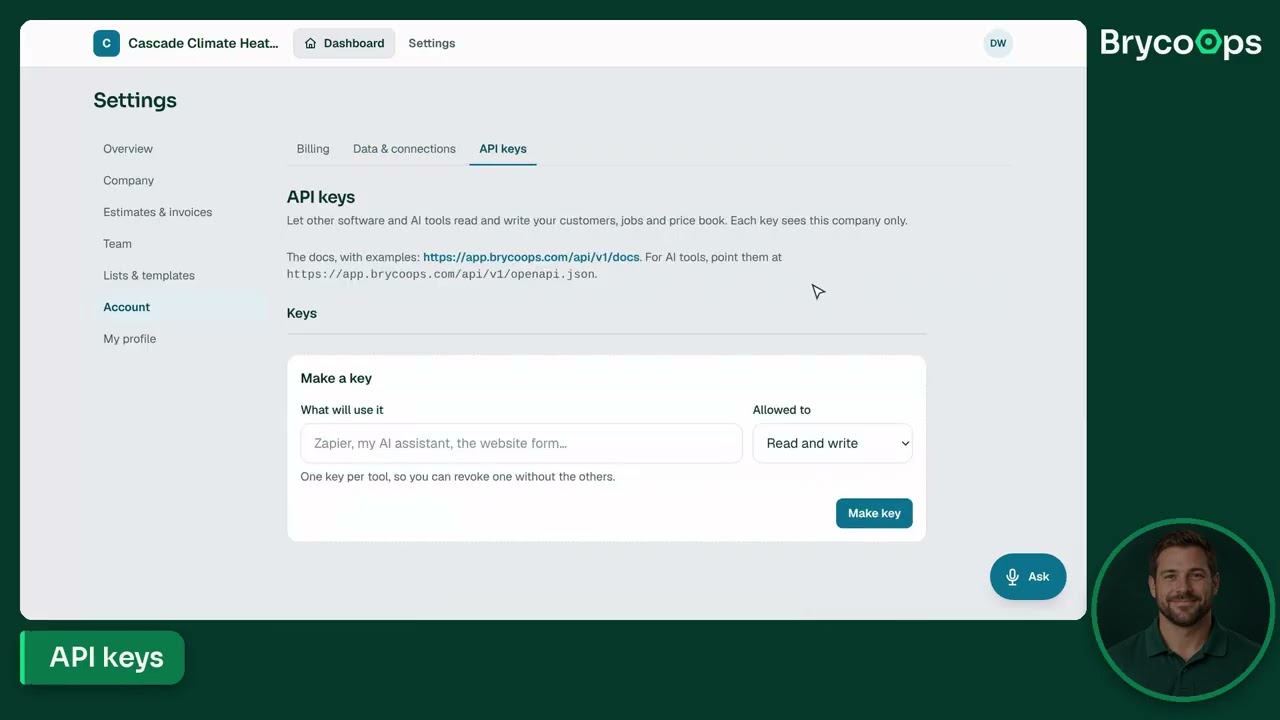
Your account
Billing, data import and export, QuickBooks, calendar sync, API keys and alerts.
 07 · 2:15Sales
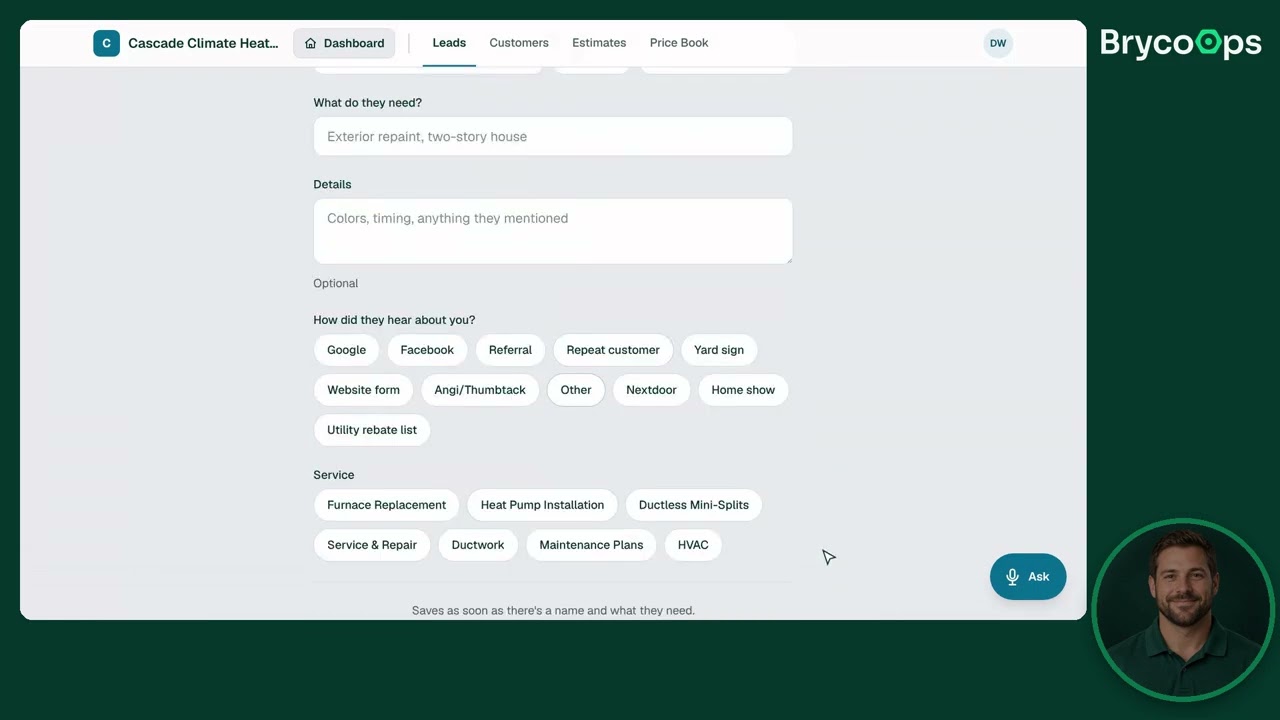
Leads and customers
The Sales module: every lead from New to Contacted to Estimate Sent, and the customer behind it.
08 08 · 2:30SalesEstimates and the price book
Materials, labor, equipment, subs, permits and fees, and the prebuilt jobs that price themselves.
09 09 · 2:15JobsJobs
The board, the calendar, Project Launch and Documents.
10 10 · 2:15FieldField
Time, photos, checklists and receipts, from the job, on a phone, with or without signal.
11 11 · 2:30MoneyMoney
Invoices, payments, job costing and the reports that tell you what you made.
Want a walkthrough with your own data?
Start a free trial and load the starter book for your trade, or ask for a setup call on the learn-more form. The videos are for everything after that.