What it's for
Getting supply-house receipts off the dashboard of the truck and onto the right job, before they fade.
How it works
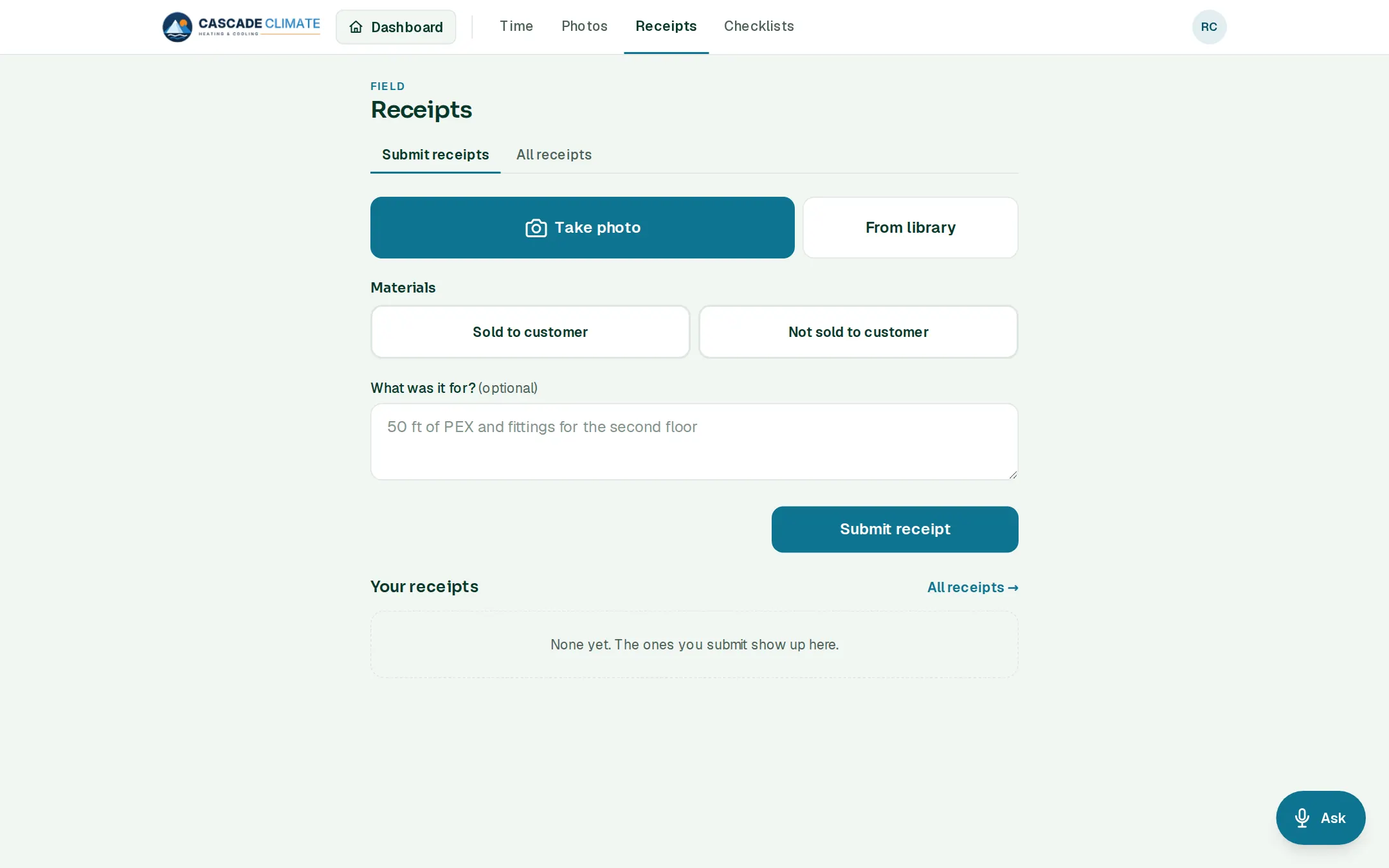
- Take photo of the receipt, or pick one from the library.
- Sold to customer: pick the job's PO, and the cost lands on that job's materials in Job Costing.
- Not sold to customer: it stays a company expense and never touches Job Costing.
- Add what it was for, then Submit receipt. Your own receipts are listed under the form.
For the office
- All receipts lists every receipt, filtered by date, sold or not sold, and who snapped it.
- Export CSV, or Export with photos (.zip) for your bookkeeper.
- Receipts waiting to be entered show in Job Costing and on the dashboard.
What it connects to
- Job Costing: sold receipts become the job's real material cost.
- Jobs: every sold receipt is filed on its job's PO.