What it's for
The costs every estimate is built from. Keep them in one place and every estimate prices itself the same way, whoever builds it.
How it works
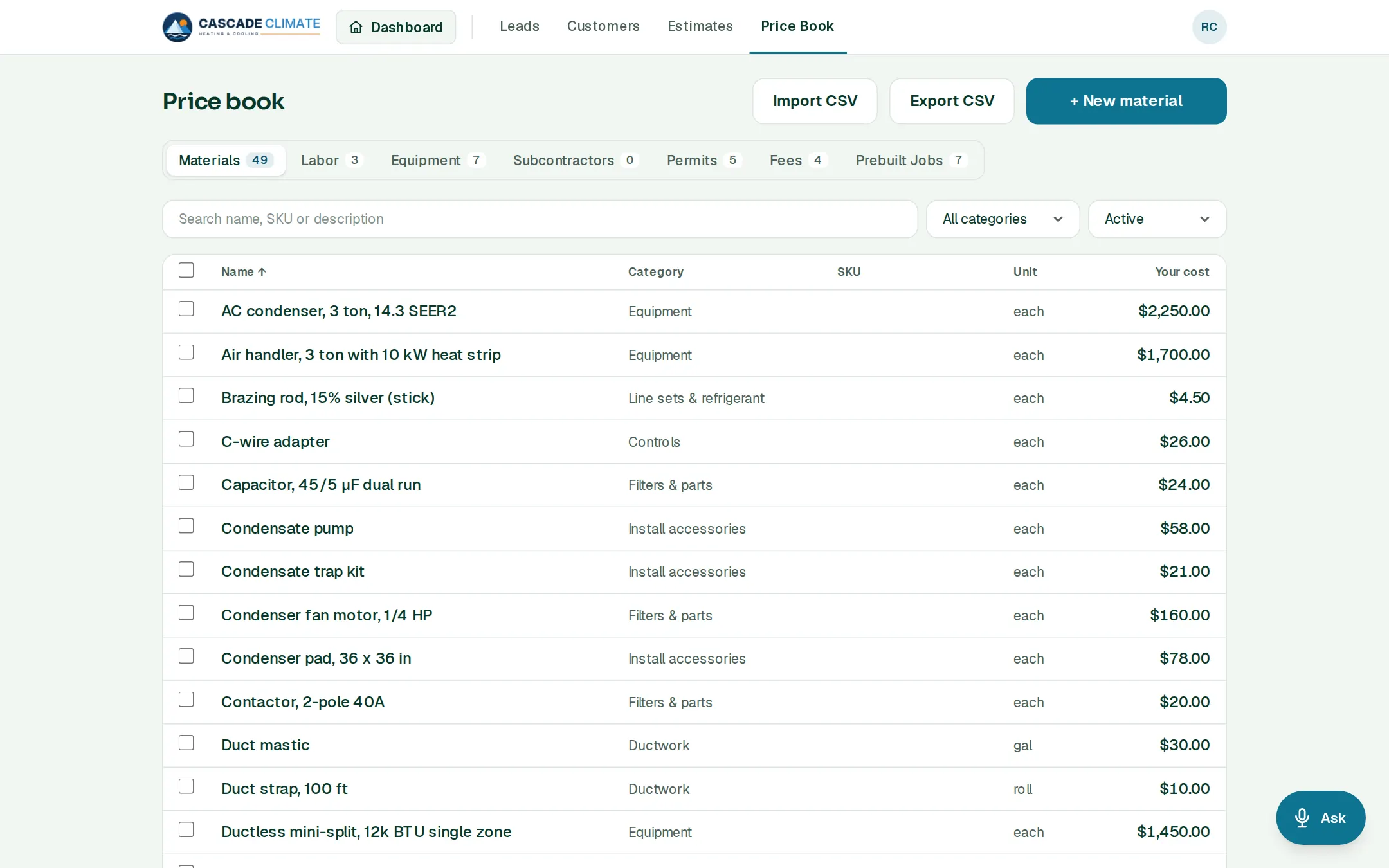
- Tabs for Materials, Labor, Equipment, Subcontractors, Permits, Fees and Prebuilt Jobs, each with + New, Import CSV and Export CSV.
- Each item holds your cost, the unit, a category and a SKU. The price book is costs only: what you charge comes from your markup in Settings → Pricing.
- Labor: each title (Lead installer, Helper) has its hourly rate and burden, and BrycoOps works out what an hour really costs you.
- Prebuilt jobs bundle the materials and labor for work you do often, with inputs like tonnage or square feet and formulas for the quantities. Drop one onto an estimate's Costs step and type the numbers.
Getting started
- Load a starter book for HVAC, Plumbing, Electrical, Roofing, General Contractor, Painting or Remodeling: the items, labor roles and prebuilt jobs, with no prices, plus a checklist and a document form for the trade. Then Set your prices walks you through your own costs and wages.
- Or bring your list in from a spreadsheet or from the app you're leaving.
What it connects to
- Estimates: every line on an estimate comes from here.
- Project Launch: the materials you bid become the order to your vendor.
- Job Costing: what you bid is what the real costs are measured against.
Good to know
- Signed estimates are locked, so changing a cost never changes what a customer already agreed to.
- Export the whole price book as CSV any time.