What it's for
The paperwork that comes with the work, filed where you'll look for it: on the job and on the customer, not in a glovebox.
How it works
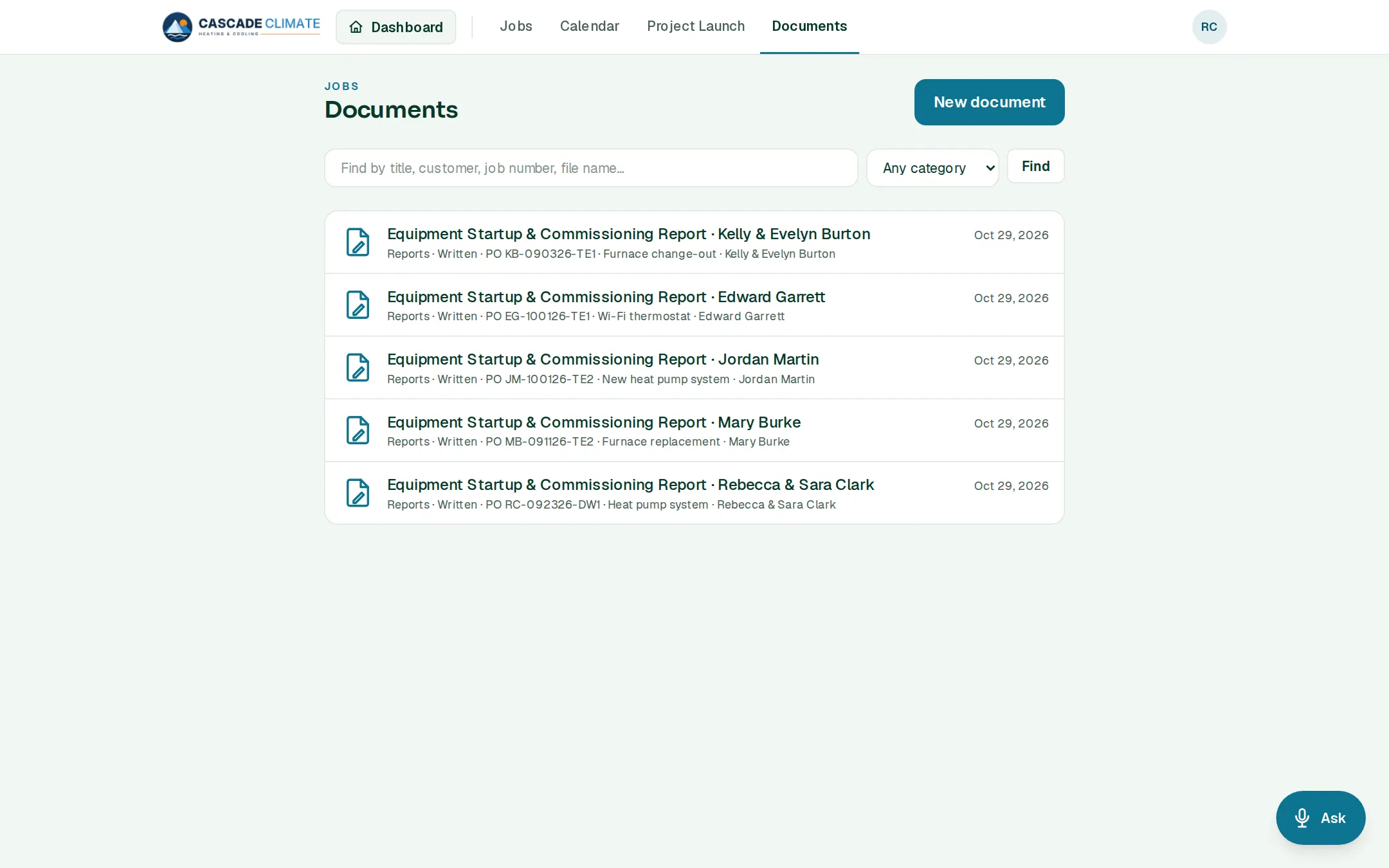
- New document: upload a file, write one from scratch, start from a template, or import a Word file.
- Every document belongs to its job and its customer, so it shows on both.
- Mark a document Office only to keep it from the crew.
- Find any document by title, customer, job number or file name, and filter by category.
Templates
- Keep the forms you fill out again and again, like a warranty certificate or an equipment startup report, under Settings → Lists & templates → Document templates.
- Every starter book comes with a form for its trade, like the HVAC startup and commissioning report.