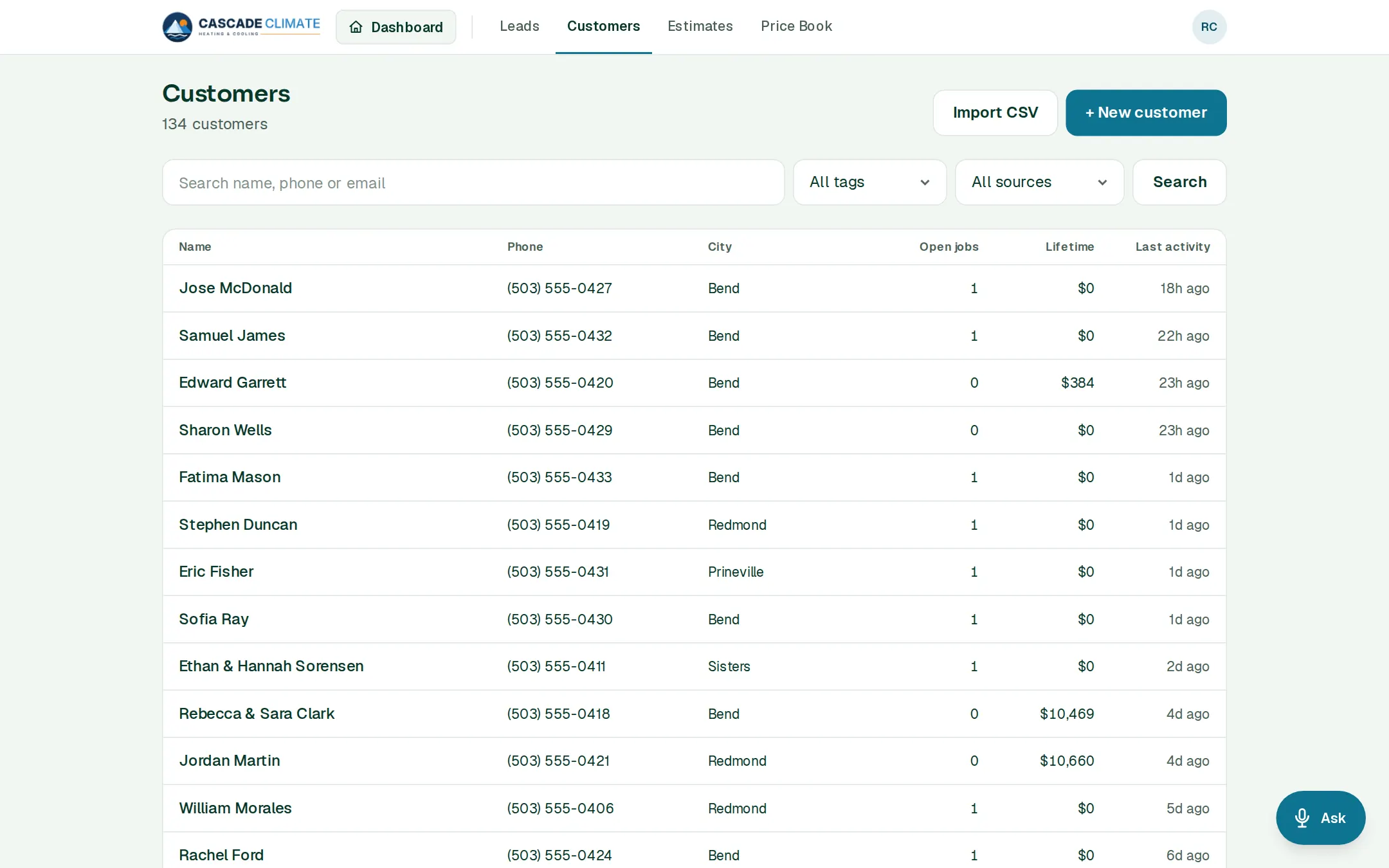
What it's for
One page per customer with everything you've ever done for them, so whoever answers the phone knows the history before they say hello.
How it works
- + New customer takes a name, phone, email and address. It saves as you type; there's no Save button.
- Open a customer for their contact details, addresses, leads, purchase orders, estimates, invoices and the timeline of everything that happened.
- From their page: Create estimate, Book appointment, Create job manually, or open their Statement.
- Search by name, phone or email, and filter by tag and lead source.
Bringing your list in
- Import CSV from Excel, Google Sheets or your old software and match the columns. Rows with a phone or email you already have can be skipped.
- Moving from Jobber, Housecall Pro or ServiceTitan? Their customers, past work and price book come in from their own exports, and past jobs stay as history on each customer's page.
Statements and messages
- Statement shows every open invoice, what's paid and owed and what's overdue. Email it as a link, where each invoice can be paid online.
- Tick Don't send automatic messages for a customer who shouldn't get follow-ups, reminders or review requests. You can still text them yourself.
What it connects to
Good to know
- A customer can have more than one address.
- A customer with invoices can't be deleted, so the books stay whole.
- Export your customers any time. Your data is yours.